
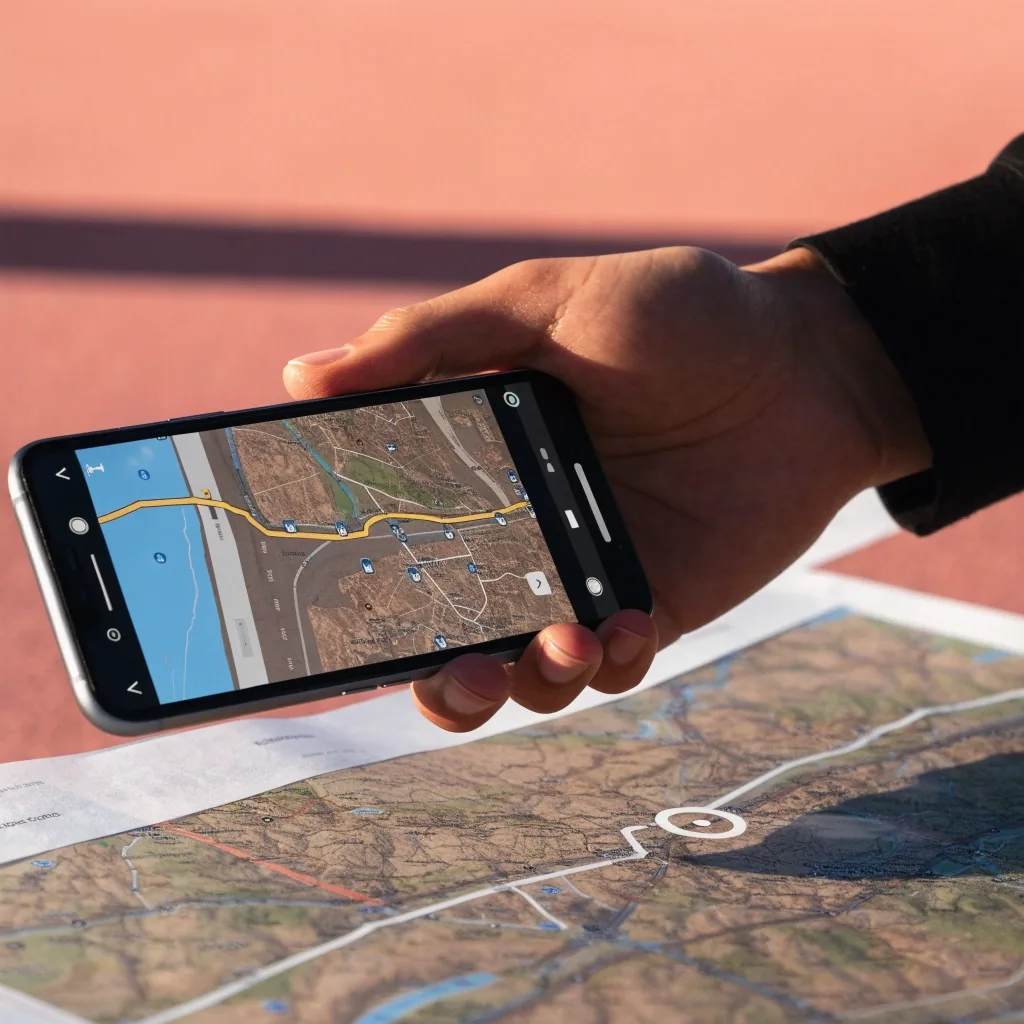
Live traffic, roadworks and rerouting
Live traffic is the biggest reason UAE drivers switch apps mid-journey. This page explains how the data reaches your app, how automatic rerouting decides, and when the detour is worth taking.
Where live traffic data comes from
Apps build their traffic picture from a mix of sources: anonymised location data from phones moving along roads, official feeds, and in some cases driver reports. No single source is complete.
The differences you notice between apps usually trace back to which sources they weight most, and how quickly they fold a new report into the picture. Waze leans heavily on driver reports, which is why incidents sometimes appear there first. Google Maps combines large-scale movement data with reports. RTA Smart Drive draws on Dubai's own transport data.
What each app leans on
Waze
Driver reports first. Fast on incidents, and strongest on routes with an active user base nearby.
Google Maps
Large-scale movement data plus reports. Broad and consistent, but less tuned to a single emirate's road network.
RTA Smart Drive
Dubai's own transport data. Well suited to Sheikh Zayed Road and the emirate's interchanges, and pairs traffic with speed limit alerts.
2GIS
Factors in a wider set of road conditions, including toll roads and unpaved routes, which shows up in how it plans around gates.
How automatic rerouting works
Automatic rerouting watches your route for slowdowns and proposes a new one when the delay crosses a threshold. Smart Drive highlights this feature, and it is commonly expected in live traffic apps.
Reroute too eagerly
You are constantly switching to unproven side roads. Back-street detours can look clear on a map and still lose time at the next set of traffic lights, because they carry more junctions and more chances to be stopped.
Reroute too slowly
You sit in the jam while the delay grows. By the time the app offers an alternative, the exit you needed has already queued, and the detour it finally suggests is measured against a worse starting point.
The threshold matters, and so does the comparison behind it. Most apps also weigh whether the alternative is actually faster, not just less congested. That is why a detour can look appealing on the congestion layer and still be rejected.
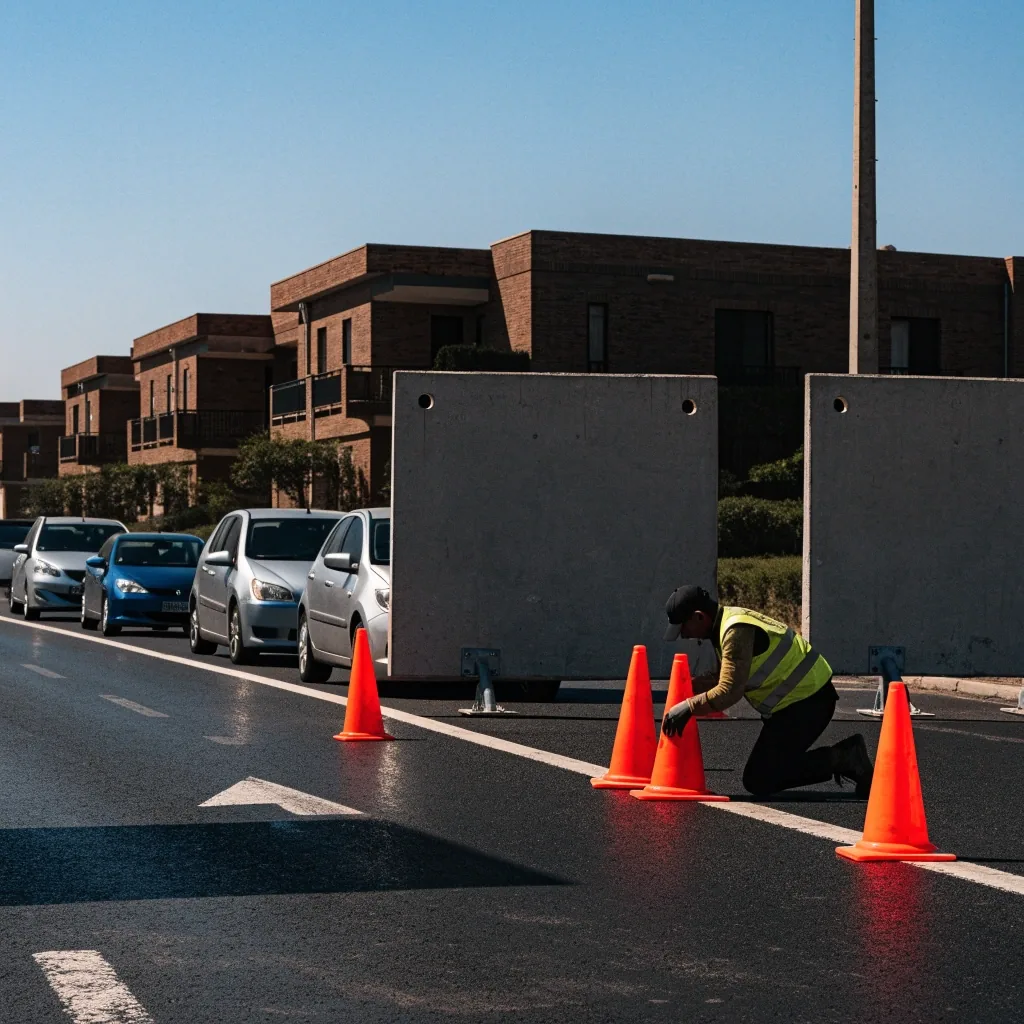
Roadworks on a UAE arterial, mid-afternoon. Cones and barrier boards mark the closure; the lane behind them is where the queue starts.
Roadworks and planned disruptions in the UAE
UAE roadworks are frequent and often scheduled rather than sudden, which means a good share of disruptions are known in advance. Apps with official data feeds can show planned closures earlier than driver-report apps. For unexpected closures — a lane shut after a collision, debris cleared at short notice — the order reverses.
For routes you drive regularly, it is worth checking before you leave rather than discovering a closure at the barrier. For unfamiliar routes, trust the app but watch the signage: temporary lane arrangements on site override whatever the map last recorded.
Incidents and how fast apps react
Incidents — a minor collision, debris on the road, a stopped vehicle in a live lane — are where reaction speed separates apps.
Driver-report networks
Users on the road flag an incident and it appears within minutes. Speed comes from having people on the same stretch of road at the same time.
Official feeds
Can be more reliable and better attributed, but they tend to publish after the road authority has confirmed the situation. Expect a slower but steadier signal.
Quieter roads
With fewer users on the road, crowd-sourced coverage thins out. On a quiet route, the speed advantage of a driver-report app largely disappears.
The practical implication: on a route with heavy traffic, an app with an active user base in your area gives you an edge. On quieter roads, that edge is gone, and the map's planned-closure data does more of the work.
Congestion patterns in Dubai and Abu Dhabi
Dubai congestion follows recognisable patterns around commuting hours, with Sheikh Zayed Road and the major interchanges as the usual pinch points. Abu Dhabi has its own rhythm, shaped by island geography and the bridge crossings between them.
Knowing the pattern does not replace live data, but it tells you when to check. A route that needs no thought at 10am may need a decision at 6pm, and the same trip in the opposite direction rarely behaves the same way.
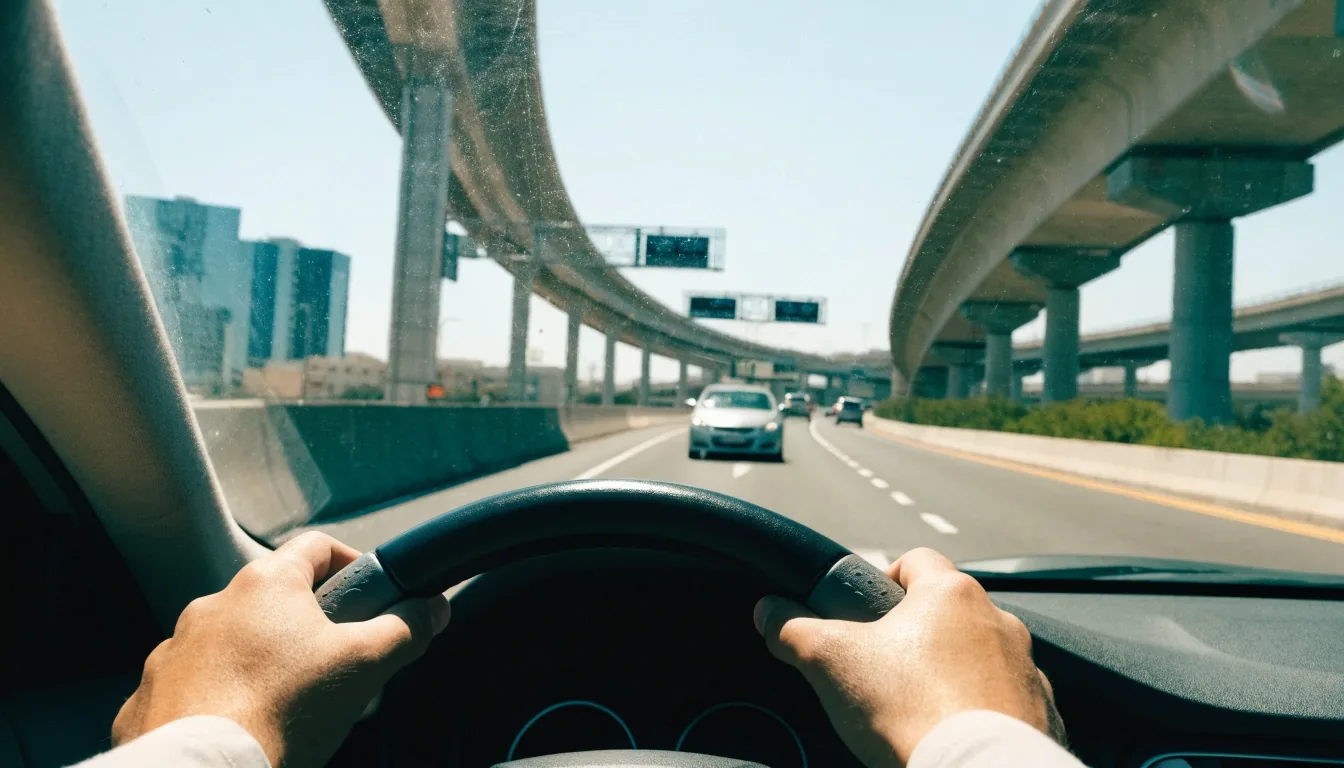
A reroute is a guess with a better input.
Treat live traffic as a strong input rather than a guarantee. The detour that works most of the time will occasionally be wrong, and that is normal rather than a reason to abandon the feature.
When to trust the reroute
Two situations, two answers. Read down the rows: the left lane is what the app is telling you, the right lane is what to do about it.
Significant delay on your current route
Detour onto unfamiliar side streets, heavy traffic
Two apps disagree on the same route
Alternative you know, delay modest
Comparing traffic pictures across apps
RTA Smart Drive, Google Maps, Waze and 2GIS all show congestion, roadworks and incidents in real time, but they do not weight them the same way. Smart Drive is tuned to Dubai's network and pairs traffic with speed limit alerts. Waze reacts fast through reports. 2GIS factors in a wider set of road conditions including toll roads and unpaved routes. Google Maps is broad and consistent.
Which one has the most useful picture depends on where you drive and how much you value speed of reaction over depth of local detail. A driver who spends the week on the same two interchanges gets more from an app tuned to that network than from one that is uniformly average everywhere.
Traffic data and toll roads
Toll gates add a planning layer that pure traffic data does not cover. A reroute can save you ten minutes and cost you a toll crossing, and not every app makes that clear before you commit. 2GIS builds routes that account for toll roads, which helps here.
If you cross gates regularly, check how your app displays them rather than discovering the charge later. Look for a setting that lets you avoid tolls, and know that turning it on usually lengthens the trip.
Compare navigation appsSetting up your app for better traffic
- Enable automatic rerouting rather than relying on manual checks mid-journey.
- Turn on incident alerts. Drivers who say their app "does not warn them" usually have alerts switched off.
- Set location services to high accuracy. Approximate location slows every traffic calculation downstream.
- Keep the app updated, since routing logic changes between versions.
Limits of live traffic data
Live traffic cannot predict a crash that has not happened, and it can lag behind a closure that just started. It also depends on other people using the same app, which means coverage thins out on quieter roads and outside the major cities.
On a long inter-emirate run, expect long stretches where the app has little to add. Plan fuel, rest stops and tolls yourself rather than assuming the route will flag them.
Questions drivers ask
Short answers to the four things that come up most often when people ask about live traffic and rerouting in the UAE.
More detail is on the FAQ page.
How does automatic rerouting work in UAE navigation apps?
Apps monitor your route for slowdowns and suggest a new one when the delay crosses a threshold. RTA Smart Drive highlights the feature, and it is common in most live traffic apps. The threshold is the interesting part: set low, you keep diverting onto unproven roads; set high, you stay in the jam.
Which app reacts fastest to incidents in Dubai?
Waze often surfaces new incidents quickly through driver reports, while RTA Smart Drive draws on Dubai's own transport data. Both are useful for different situations. On a busy corridor with plenty of users, reports arrive sooner. Where confirmation matters more than speed, the official feed is steadier.
Do live traffic apps work outside major UAE cities?
Coverage thins out on quieter roads and outside major cities, because many apps depend on other users being on the same route. Planned roadworks still tend to appear if the app carries official feeds, but live congestion on a desert stretch is often guesswork.
Can rerouting send me through a toll gate?
It can. Not every app makes toll crossings clear before you commit, so check how yours displays them if you cross gates regularly. Apps that plan around toll roads, such as 2GIS, make the trade-off between time saved and toll paid easier to see.
Where to go next
Live traffic is one input. Speed limit alerts, offline coverage and toll handling decide the rest of the trip. If you want the comparison in one place, start with the app guide, or read how the Salmainka guide checks and updates the material behind these pages.
Questions about a route?
Salmainka Navigation Guide publishes this material for drivers in the UAE. If you want to ask about something specific, or suggest a correction, reach the team directly.
- Office 2105, Al Sila Tower, Sheikh Zayed Road, Business Bay, Dubai, United Arab Emirates
- +971 4 587 8720
- [email protected]
- Monday to Friday: 9:00 AM – 6:00 PM