

Four apps, five jobs
Comparing navigation apps for UAE roads
Google Maps, Waze, 2GIS and RTA Smart Drive do different jobs well. Here is where each one earns a place in your car.
Criteria
What we compare and why
The criteria come from how UAE drivers describe their own frustrations: getting stuck in traffic an app did not warn about, losing signal mid-route, or failing to find an exact building entrance. So live traffic and rerouting carry the most weight, offline maps come next, then place search, then depth on local rules like tolls and cameras.
We do not rank apps by popularity or store ratings, since those shift and often reflect markets outside the UAE. The question here is narrower: which tool performs on UAE roads, and which job does it actually own.
Live traffic accuracy
Congestion on Sheikh Zayed Road and the E11 can change within minutes, so a stale reading is worse than none.
Morning and evening commutes
Rerouting behavior
A detour through the wrong interchange costs more time than the jam you left, especially around Deira and Al Barsha.
Incidents and closures
Offline capability
Basement car parks, tunnels and desert stretches drop your data connection exactly when you need directions.
Inter-emirate and covered parking
Place search
Finding a clinic, a restaurant or a specific tower entrance is a different skill from finding a road.
Unfamiliar addresses
Local feature depth
Toll gates, speed cameras and limits that change by zone are part of the UAE road model, not extras.
Salik routes and speed zones
Read the rest of this page as a set of separate answers. Each app below gets judged on the jobs it actually holds, not on an overall score.
Google Maps in the UAE
Google Maps has the widest place database of the options here, which makes it the default for finding an unfamiliar business, clinic or restaurant anywhere from Dubai to Abu Dhabi. Its live traffic coverage is solid across the main city networks, and it is one of the tools UAE government mobility guidance points users toward.
Where it is weaker is depth on local specifics. Toll awareness and speed camera alerts are less consistent than a Dubai-focused app, and offline use is more limited than 2GIS. Treat it as a strong generalist, not a specialist. For turn-by-turn directions in Dubai it is rarely wrong, but it also rarely explains why it chose the route it did.
Strong at
Finding a business by name, reviews and photos alongside the address, and routing between emirates without extra setup.
Weaker at
Camera warnings, toll detail, and downloading maps you can actually rely on when the signal drops.
Waze in the UAE
Waze runs on its driver-report network. Congestion, incidents and roadworks often surface from other drivers before official data catches up, which suits UAE commuting where conditions change fast on the E11 and around the airport corridors.
The trade-off is that report quality depends on how many active users are on your route. On quieter roads or early mornings, that advantage shrinks. Place search is also less thorough than Google Maps when you need a specific building entrance rather than a neighbourhood.

2GIS and offline depth
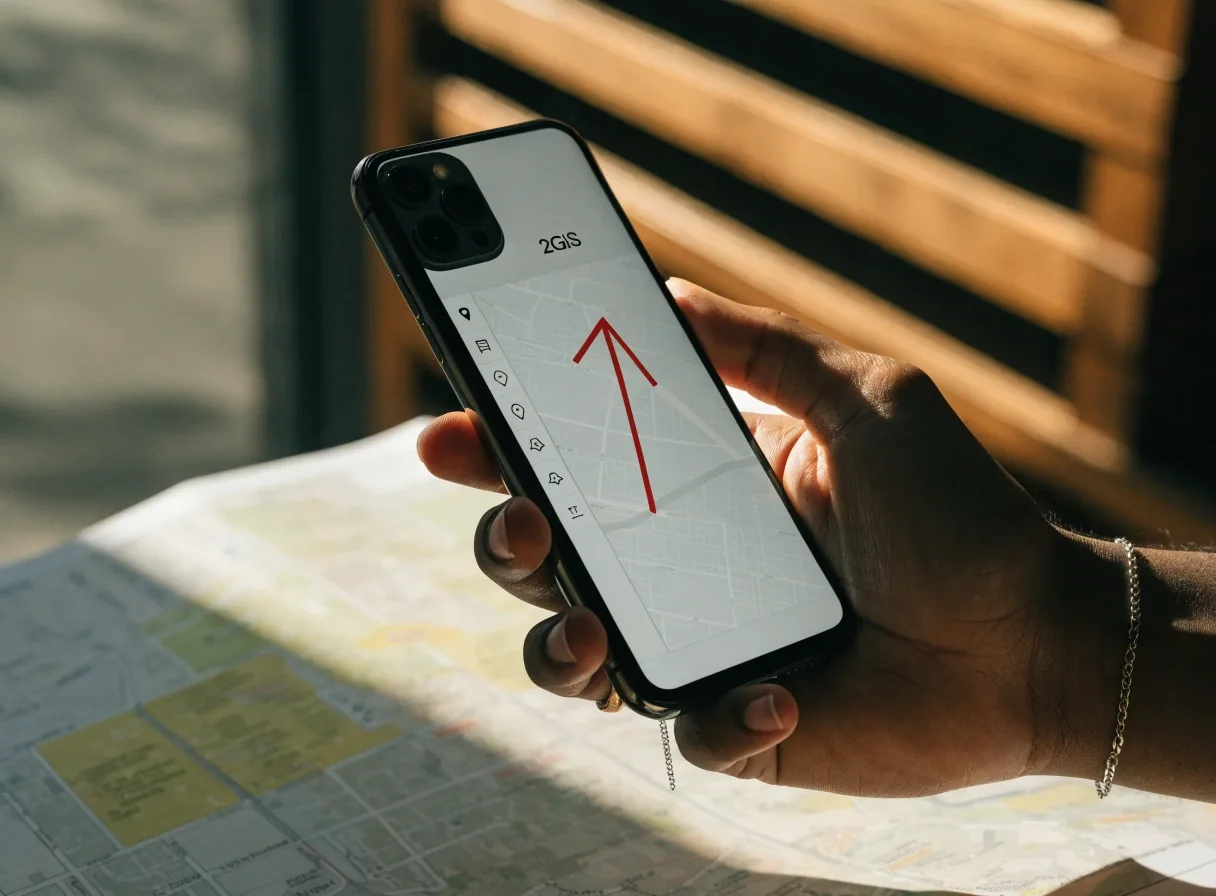
2GIS is the strongest answer to the offline question. It offers offline maps and GPS navigation for drivers and pedestrians, plus live traffic, transit schedules and a full city directory. Coverage includes Dubai, Abu Dhabi, Sharjah, Al Ain and Fujairah.
It also builds routes that account for traffic jams, signs, speed cameras, toll roads and unpaved roads, which is a deeper local model than most apps attempt. If your trips regularly take you off main highways or through low-signal areas, this is the app to test first. It is the closest thing here to a full offline maps guide in one product.
Emirates covered
- Dubai
- Abu Dhabi
- Sharjah
- Al Ain
- Fujairah
Downloadable maps work without a data connection once they are on the device.
4
Apps compared side by side
5
Criteria weighted for UAE roads
2
Apps most drivers end up running
1
Offline-first option in the set
RTA Smart Drive and Dubai specifics
Speed limit alerts
Limits change by road and by zone across Dubai, and the app states the current one as you drive rather than leaving you to guess from signs.
Automatic rerouting
Built around Dubai's own road network, so detours follow the interchanges local drivers actually use instead of a generic shortest path.
Official Dubai toolkit
It sits alongside S'hail in Dubai's official digital transport toolkit, which matters if you want your driving and public transport tools to come from the same source.
The limitation is scope: it is a Dubai tool, so drivers crossing into other emirates may want a second app for those legs. For a wider set of Dubai tools in one place, the Dubai mobility toolkit page covers what else is available.
Explore Dubai mobility toolsLive traffic, head to head
On a normal Dubai morning all four apps will show you the main congestion. The differences appear in how quickly they reroute and how much they explain.
Waze
Reacts fastest to brand-new incidents because driver reports arrive before official feeds.
RTA Smart Drive
Rerouting is tuned to Dubai's own network, so the alternatives it offers are ones local drivers recognize.
2GIS
Factors in a wider set of road conditions, including toll roads, cameras and unpaved stretches.
Google Maps
Reliable across the network, though it can be conservative about suggesting a detour at all.
The practical test is to run two apps on a route you know well and watch how each behaves when something changes. That tells you more in one commute than any list of features will.
Offline capability compared
This is the clearest split in the whole comparison, and the one most likely to decide which app is your primary.
2GIS
Downloadable maps and GPS navigation that work without a data connection at all.
Google Maps
Limited offline areas, useful for a district but not for a full inter-emirate route.
Waze
Needs connectivity throughout; the report network only works while you are online.
RTA Smart Drive
Designed around live data, so treat it as an online-first tool.
If you drive inter-emirate routes or park in underground structures, this single difference can decide which app is your primary. Our offline maps guide goes deeper on how to prepare downloads before a trip.
Read the offline maps guidePlace search and exact locations
For finding a business by name, Google Maps usually wins on breadth. For a full city directory with business details, opening hours and unit numbers, 2GIS goes deeper locally.
For an exact Dubai location, Makani is the system Dubai uses for wayfinding, and it can work without an internet connection when integrated with mapping services. That is three different jobs, and matching the tool to the job beats picking one and hoping it covers all three.
A quick habit that saves time: copy the Makani number from a business listing before you leave, then paste it into whichever app you drive with.
Toll roads, cameras and local conditions
UAE driving involves toll gates, speed cameras and limits that change by zone. 2GIS builds routes that account for toll roads and speed cameras. RTA Smart Drive explicitly offers speed limit alerts. Google Maps and Waze handle tolls but are less consistent on camera warnings.
If your regular route crosses a toll gate, check how each app displays it before you commit. Surprise charges are not a navigation failure, but they are a planning one. The speed limits and safe routing page walks through how alerts and rerouting interact when a limit changes mid-route.
Which app for which driver
Match the app to the job
A Dubai commuter on the same corridors can do well with Smart Drive as primary and 2GIS as offline backup. Someone crossing emirates regularly should lead with 2GIS for offline depth and keep Waze or Google Maps for live conditions. A driver who visits new addresses often should keep Google Maps for search and Makani for exact Dubai locations.
There is no universal winner here, and the drivers who struggle least are the ones who stopped looking for one. Start by naming your two most common failure points, then pick the pair of apps that covers both.
Common questions
Short answers to what visitors ask most before they change their main driving app.
Is there a single best navigation app in the UAE?
No. Google Maps leads on place search, Waze on driver reports, 2GIS on offline maps and local detail, and RTA Smart Drive on Dubai-specific features like speed limit alerts. Most drivers use two.
Do I need more than one navigation app?
It helps if you drive both city and inter-emirate routes. A live-traffic app plus an offline-capable app covers the two most common failure points.
Which app has the best live traffic in Dubai?
RTA Smart Drive, Google Maps, Waze and 2GIS all show congestion, roadworks and incidents. Waze often surfaces new incidents fastest via driver reports, while Smart Drive is tuned to Dubai's network.
Does Google Maps work offline in the UAE?
It offers limited offline areas. For fuller offline maps and GPS navigation, 2GIS is the stronger option.
Still deciding
Where to go next
This comparison answers which app does which job. The pages below go deeper on the parts that decide it: how live traffic and rerouting behave, how to prepare offline maps, and what Dubai's own tools cover.